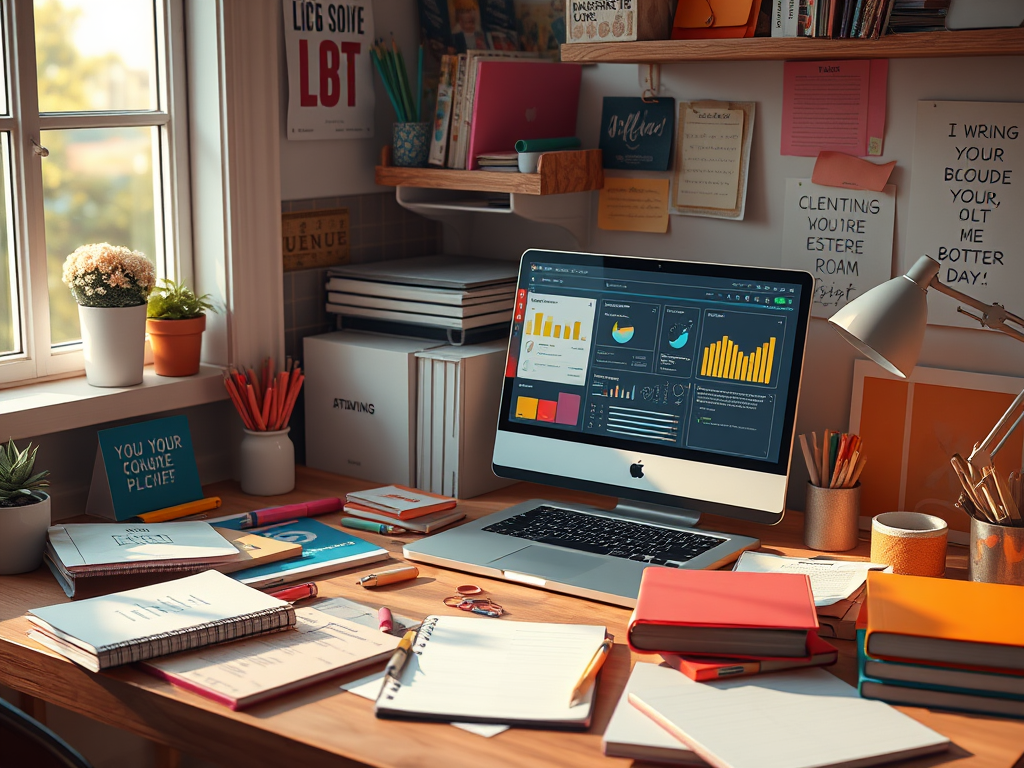
You know that feeling when you buy a beautiful new planner or download the latest productivity app—and two weeks later, it’s gathering dust? Neurodivergent brains (ADHD, autistic, dyslexic, etc.) are famous for breaking out of boxes that don’t fit. The good news: you don’t need to force yourself into someone else’s system. You can build your own, and it doesn’t have to look like a color-coded influencer fantasy.
1. Ditch Perfection. Start With Your Real Life
Forget the one-size-fits-all templates. Start with what you actually do every day. Jot down (or voice record) your real routine, quirks, and pain points. Where do you get stuck? What part of the day feels chaotic? What already works for you, even if it’s messy?
How to ID Daily Routine Pain Points
Try keeping a quick journal for a week, noting moments of frustration, distraction, or confusion. You can also experiment with a simple time-tracking app to see where your energy drains. Pay attention to which tasks spark dread versus joy. Reflect on your emotions—sometimes the real “pain points” aren’t about tasks but about how and when you approach them.
2. Pick Your Tools (Not Your Tools’ Hype)
- Notion: Great for visual thinkers, info-hoarders, and people who want everything in one place. Try databases for tracking projects, a “brain dump” page for random ideas, or color-coded tags for different moods/energy levels.
- Google Docs: Low-friction, simple, searchable. Use folders for “works in progress” vs. “finished,” or keep a running doc of all your unfinished thoughts.
- Grammarly: Not just for grammar. Use it to catch repetitive language, double-check tone, or set custom goals (“Make this more conversational,” etc).
Mix n Match
Don’t feel like you have to use every tool or feature out there. Start with one or two main tools that fit your needs best. Give each tool a clear purpose—maybe project management in Notion, freewriting in Google Docs, and grammar checks in Grammarly. Layer on new features slowly, focusing on what genuinely helps (not what looks fancy in a YouTube tutorial).
3. Customize for How You Think
- Build Dashboards Around Your Needs: Maybe you need a “Today I Did Something” tracker, not just a to-do list. Or a mood/weather log alongside deadlines.
- Chunk Tasks Your Way: Break big projects into micro-steps, or batch similar tasks together. Set recurring reminders (not strict alarms—no shame in the snooze!).
- Labels That Speak Your Language: Rename sections to fit your vibe—“Potato Tasks” for brain fog days, “Firefly Ideas” for sparks of inspiration, “Bare Minimum List” for the essentials.
Make it Cute
Add playful checkboxes, emojis, or visuals to your system! Use icons for different task types (lightbulb for ideas, star for priorities, pawprint for “soft tasks”). Stickers, color-coding, or background images can turn your dashboard from a stress zone into a place you actually want to open.
4. Make It Forgiving and Adaptable
Set up workflows that anticipate the need for breaks, pivots, and restarts. Auto-archive unused tasks. Use “snooze” features liberally. If something isn’t working, delete it—no guilt required. Your system should feel like a helpful sidekick, not a drill sergeant.
5. Automate (or Delete) the Drudgery
Automate what you can: email reminders, recurring blog post outlines, template duplication. Script common replies or proposals (“hello, executive dysfunction hack!”). If a feature stresses you out, axe it. This is your space.
Bottom Line
You don’t need to run your creative life like a corporate meeting. Digital workflows are meant to serve your brain, not control it. If your system works for you—even if it looks nothing like anyone else’s—it’s already perfect.

Dreamspace Studio is proud to join #WritersAgainstHunger for Feeding America!
Every word we write this month helps put meals on tables across the country.
Want to help? Donate here.
Thank you for being a Lantern Carrier. 🕯️🥣



Leave a Reply